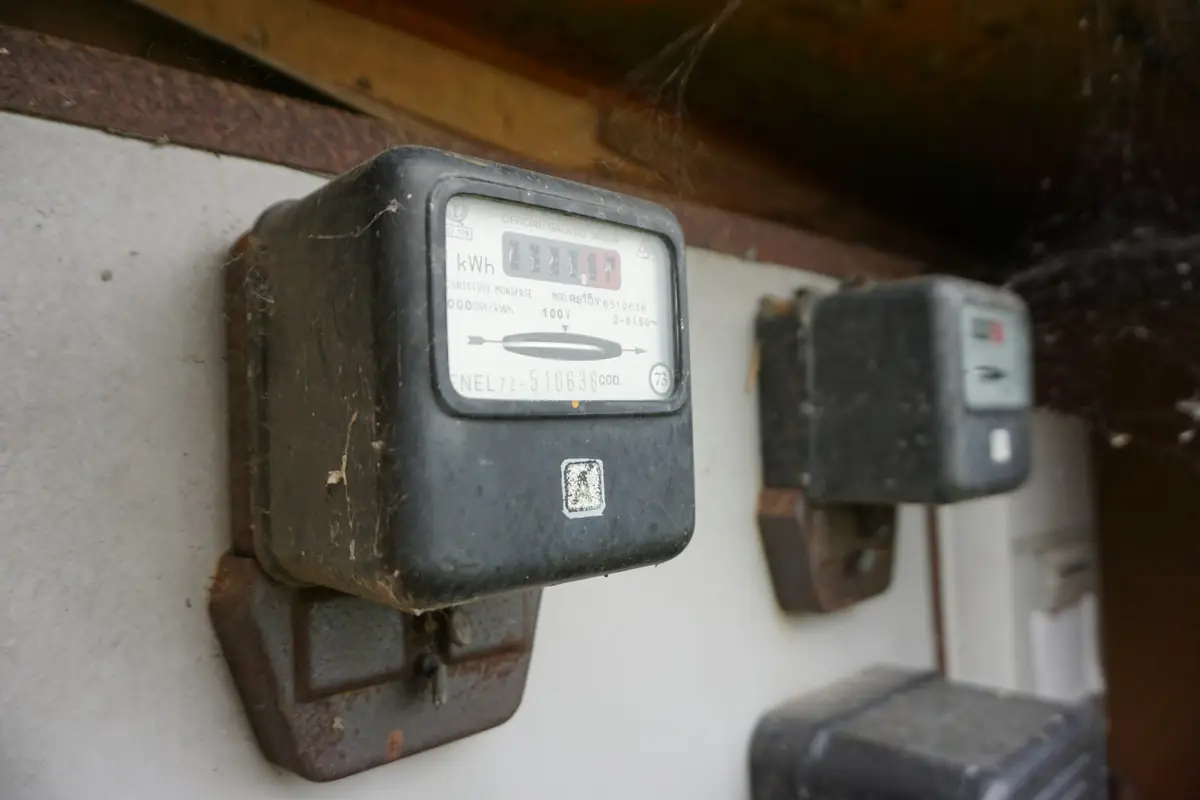
Why your meter reading matters
If you don't send readings, your supplier will estimate your usage. Estimates can be too high, so you overpay, or too low, so you get a big catch-up bill later. A reading you took yourself is your best evidence if a bill is wrong.
Take a photo of your meter with the date showing, and check the meter serial number matches the one on your bill.
Digital electricity meter
Write down the first 5 numbers shown from left to right. Ignore any other numbers, including any shown in red.
Two-rate (Economy 7) electricity meter
- Two rows of numbers: read both the top and bottom rows, left to right. Ignore any numbers shown in red.
- One display with a button: press the button to see each rate. Most meters have a label saying which rate is "low" or "night" and which is "high" or "normal".
- Not sure which is which? Note both numbers in the morning and check again later that day. The one that went up during the day is your day rate.
Your bill should show a reading for each rate. See Economy 7 times to find out when your cheap rate runs.
Dial electricity meter
- Read the first 5 dials from left to right. Ignore any red dials or dials marked 1/10.
- Each dial turns the opposite way to the ones next to it, so check the direction of each dial first.
- If the pointer is between two numbers, write down the lower number. If it's between 9 and 0, write down 9.
- If the pointer is right on a number, write that number down and underline it. Then, if the pointer on the next dial to the right is between 9 and 0, reduce the number you underlined by 1.
Digital gas meter (metric)
A metric meter shows 5 numbers, then a decimal point, then some more numbers. Write down the first 5 numbers from left to right. Ignore the numbers after the decimal point, which are sometimes red.
Digital gas meter (imperial)
An imperial meter shows 4 black or white numbers followed by 2 red numbers. Write down the first 4 numbers and ignore the red ones.
Check your bill says the same type of meter as yours. Imperial and metric readings are converted differently, so the wrong type on your bill means the wrong charge.
Dial gas meter
Read the first 4 dials from left to right, and ignore the large dials or red dials. As with electricity dials, each one turns the opposite way to its neighbours. If a pointer is between two numbers, write down the lower one (9 if it's between 9 and 0).
Smart meters
Smart meters normally send readings to your supplier automatically. If yours has stopped, you can still read it yourself. See how to read a smart meter.
Water meter
Read the black numbers, which show the cubic metres of water you've used. Ignore the red numbers or dials, which show litres. On a digital water meter, write down only the numbers before the decimal point.
Outdoor water meters sit under a lid, often with a foam disc underneath to protect them from frost. Put it back after reading. If your meter is hard to reach or unsafe to read, contact your water company.
Send it, then check your bill
Call your supplier with the readings, or submit them on its website or app. When your next bill comes, check it uses your reading and not an estimate. If it doesn't, see estimated bills and wrong meter readings.
Common questions
Which numbers do I ignore on my meter?
Ignore numbers in red, numbers after a decimal point, and on dial meters any red dials or dials marked 1/10.
How do I know if my gas meter is metric or imperial?
A metric meter shows 5 numbers then a decimal point. An imperial meter shows 4 black or white numbers followed by 2 red numbers.
How do I read an Economy 7 meter?
Read both rows, or press the button to see each rate. Most meters label which rate is low or night and which is high or normal.
How do I read my water meter?
Write down the black numbers, which are cubic metres. Ignore the red numbers or dials, which are litres.
What happens if I don't send a meter reading?
Your supplier will estimate your usage, which can mean paying too much, or a big catch-up bill later.